NX Watches
Sponsored
Make time yours with a watch designed to stand out every day.

Facebook ad examples
See how AdBuzz turns a product image into complete Facebook ads — then preview the finished creative, message, and call to action together in the feed.
Fast signup. No credit card required.
NX Watches
Sponsored
Make time yours with a watch designed to stand out every day.
From product image to Facebook ad
Follow one product from upload to a finished advertisement previewed inside a Facebook feed.
01 / Upload
Bring the image you already have.
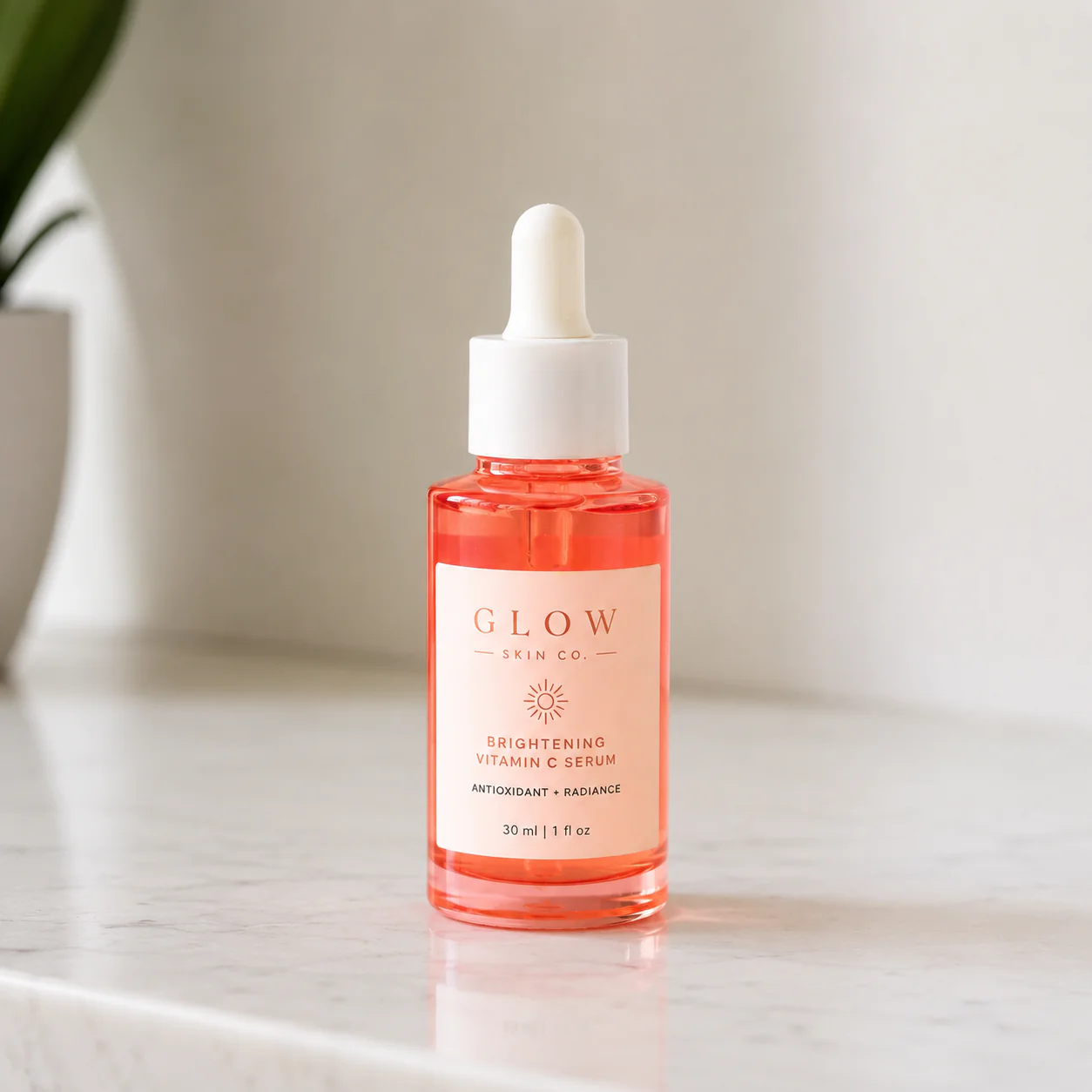
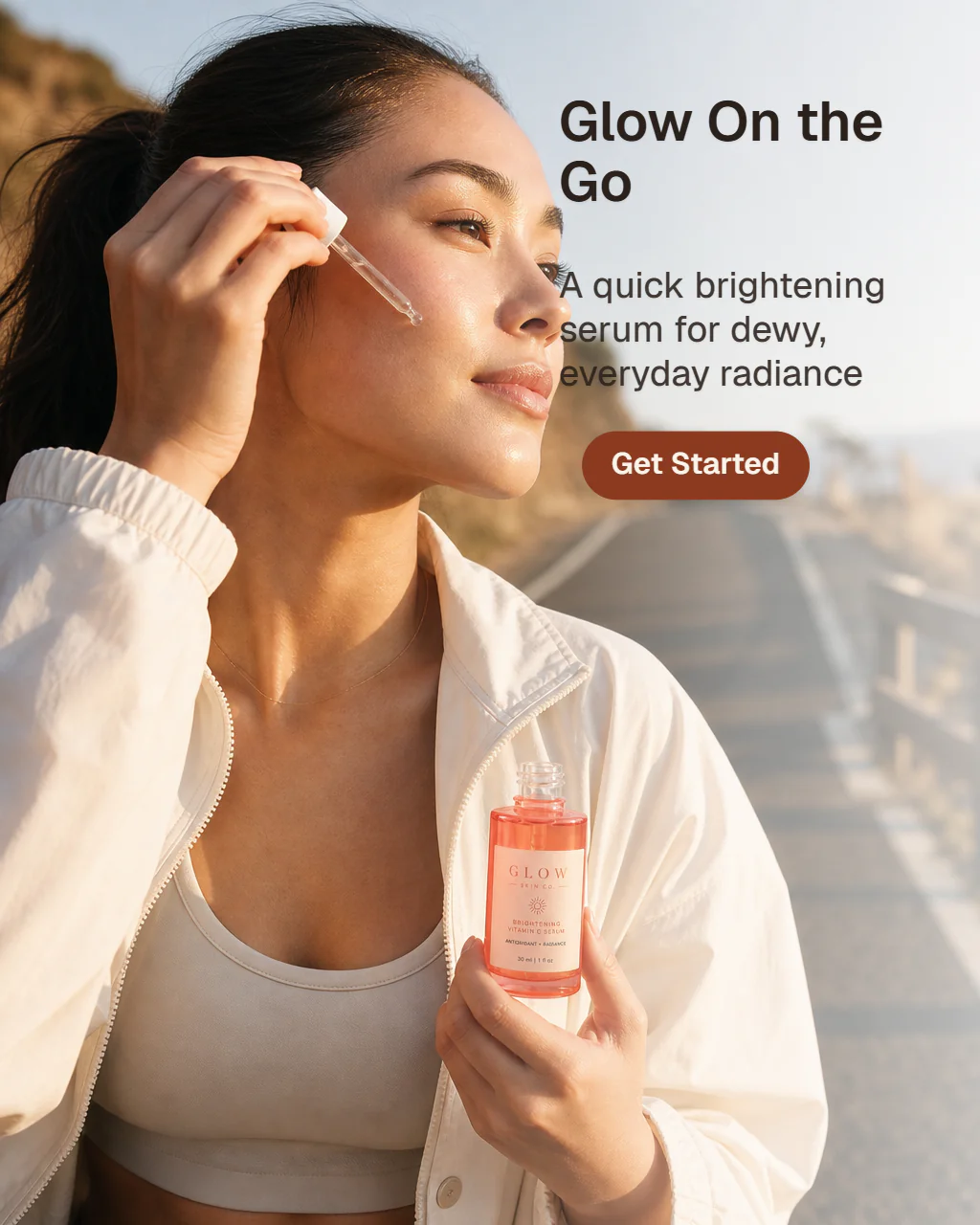
02 / Explore
Compare different compositions, settings, messages, and styles.


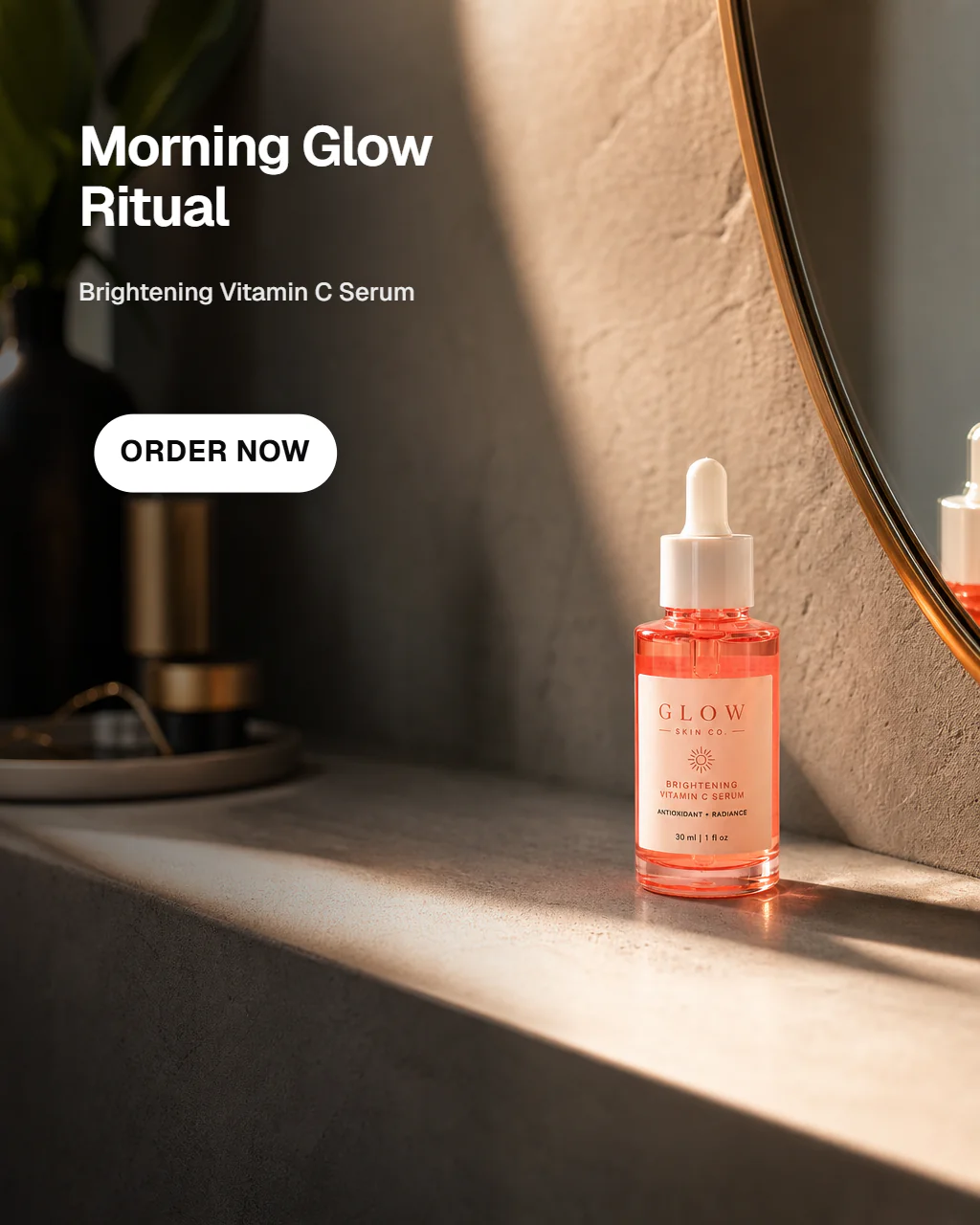
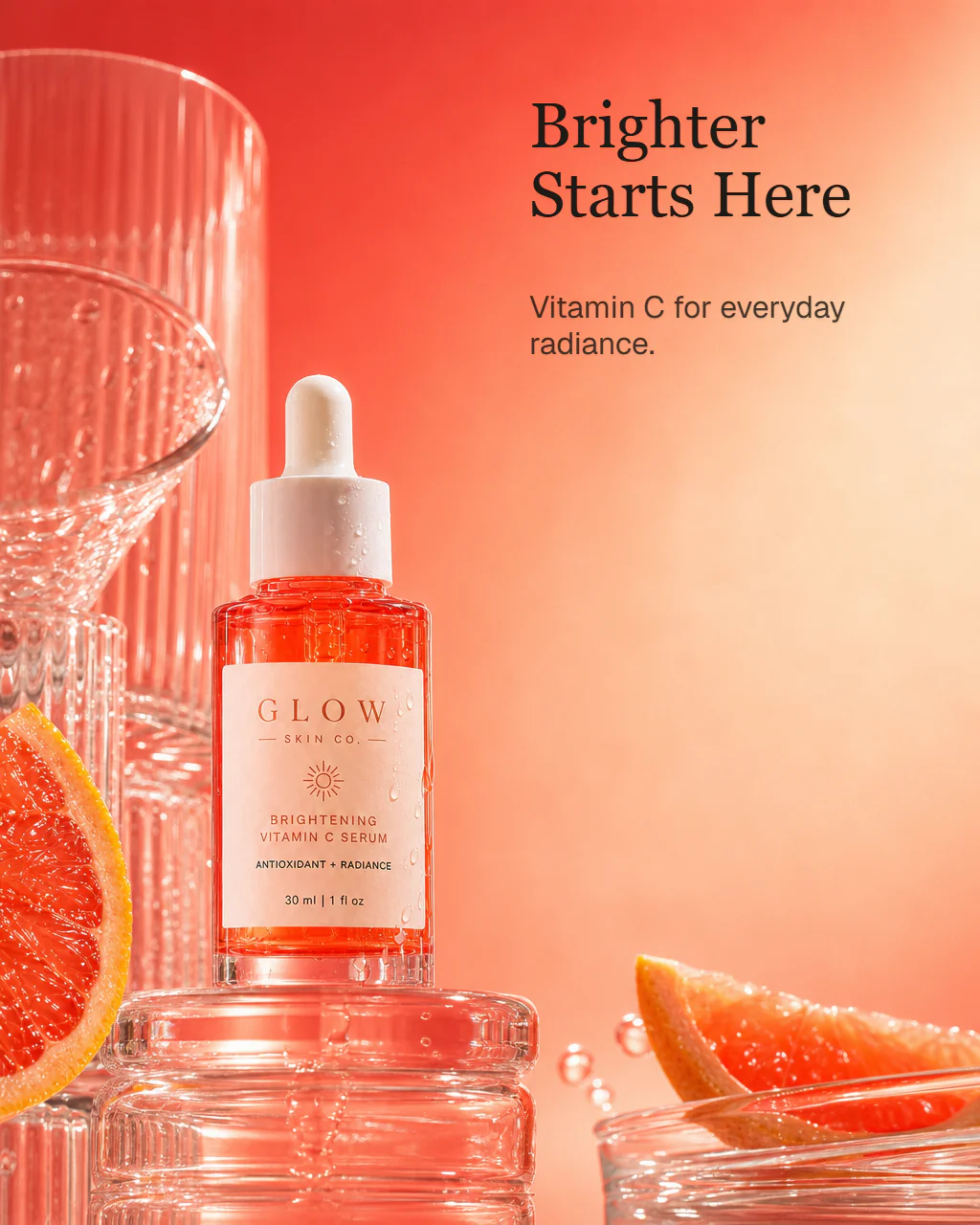
03 / Refine
Develop a favorite and customize the message.
04 / Preview
Preview the finished advertisement in a Facebook feed.
Glow Skin Co.
Sponsored
Glow Skin Co. Vitamin C serum brings a brighter-looking glow to your daily ritual.
More Facebook ad examples
Every advertisement below started with the same product image. AdBuzz can explore genuinely different creative directions for the same product — from straightforward product advertising to new use cases, dramatic moods, and unexpected concepts.
Ember Peak
Sponsored
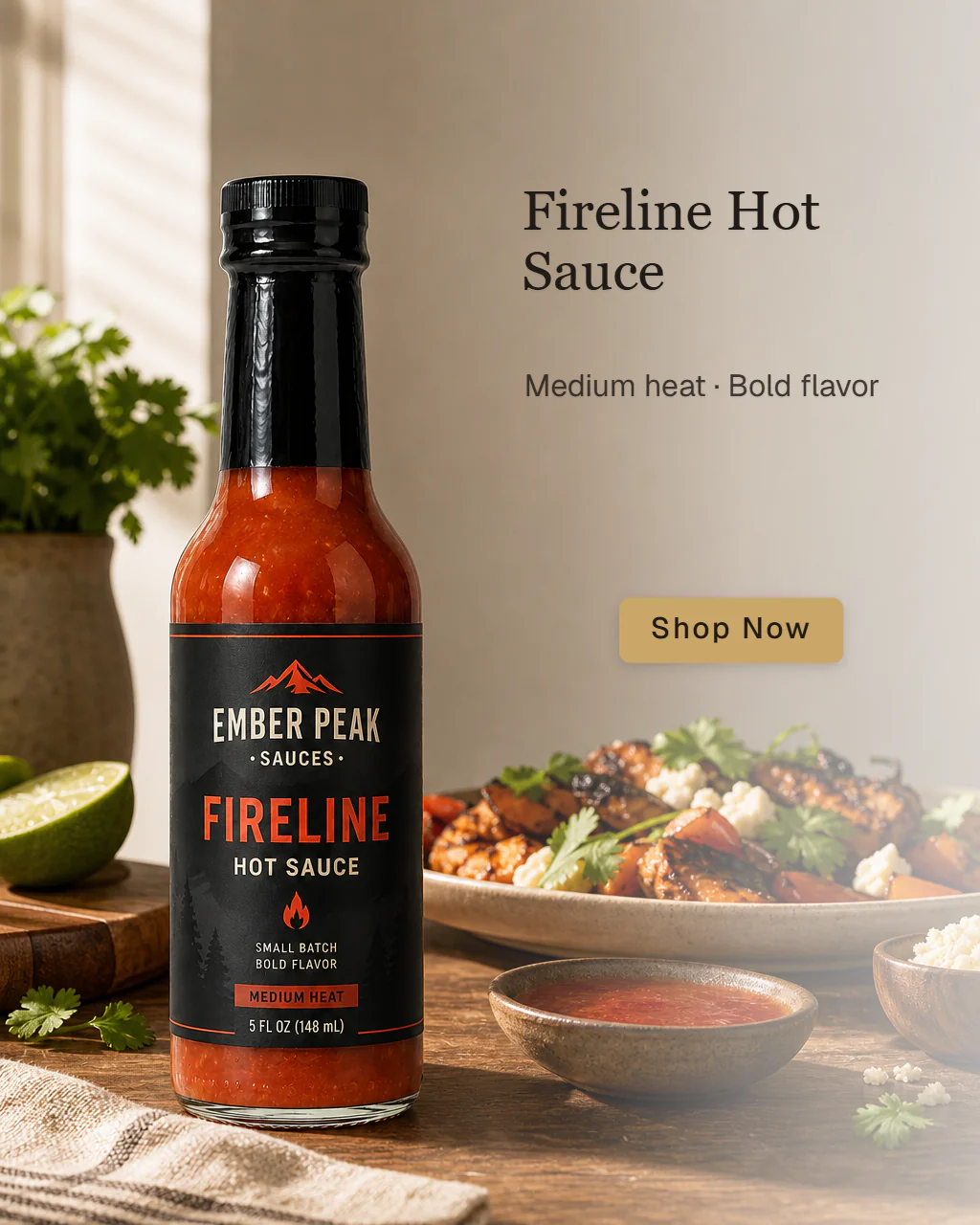
Ember Peak
Sponsored

Ember Peak
Sponsored
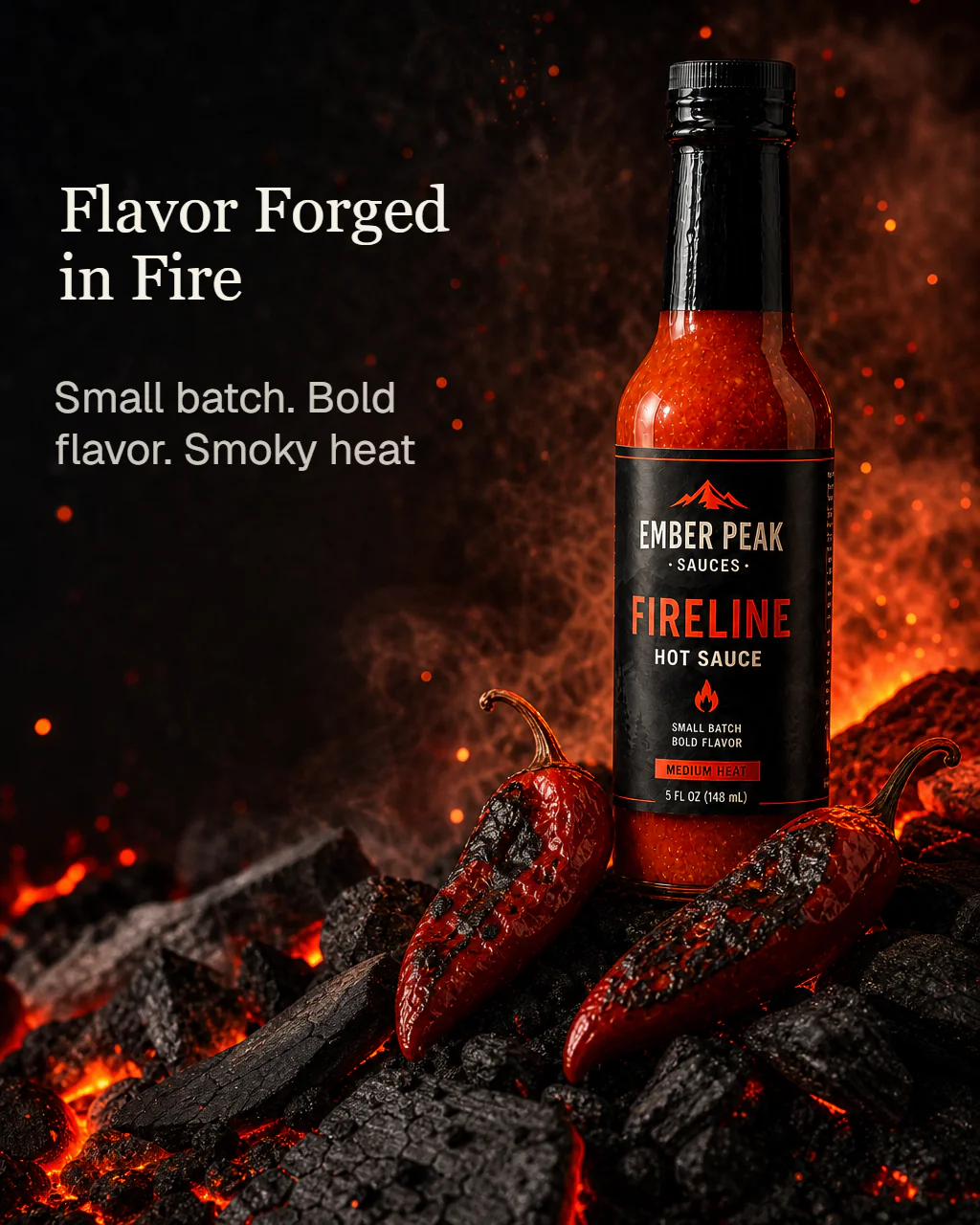
Ember Peak
Sponsored
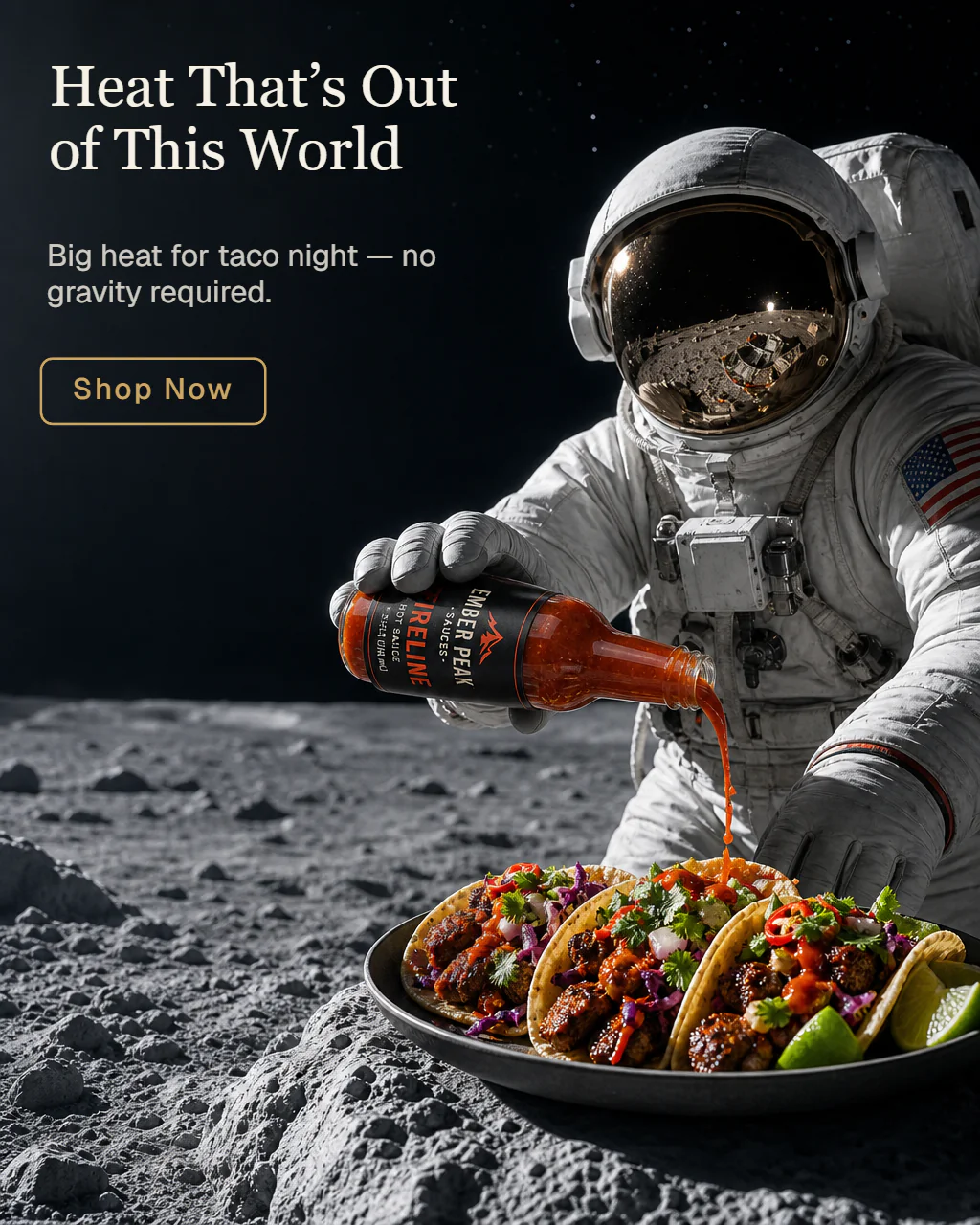
Curious how the same product looks in a different feed? See the Instagram ad examples
Anatomy of a Facebook ad
A finished Facebook ad works as a system. The creative earns attention, primary text adds context, the headline reinforces the proposition, and the call to action makes the next step clear.
AdBuzz focuses on the creative itself, but previewing that creative in a realistic feed helps you judge whether the whole advertisement still reads clearly once the surrounding Facebook ad elements are present.
Set up the product, benefit, offer, or reason to care.
Stop the scroll and communicate the advertising idea visually.
Reinforce the strongest part of the proposition at a glance.
Give an interested viewer an obvious next step.
Coastal Breeze
Sponsored
Long swims, open-water training, and beach days call for sunscreen that can keep up.

Start with a single product image and let AdBuzz explore multiple directions — you don't need a finished concept before you begin.
Facebook advertising fundamentals
A Facebook feed moves fast. A finished product ad needs to do more than simply show the product — it combines a recognizable product, a clear visual hierarchy, and a message built for the way people actually scroll.
A Facebook ad can be dramatic, playful, or highly stylized, but the product still needs to register immediately. The creative should earn attention without making someone work to understand what is actually being advertised.
A strong product image is only the beginning. The ad also needs a clear advertising idea — a benefit, problem solved, use case, offer, or other reason the product matters to the person seeing it.
Facebook gives an ad several places to communicate: the creative, primary text, headline, and call to action. Those pieces should reinforce one another instead of repeating the same sentence four different ways.
A large share of feed browsing happens on a small screen. Strong hierarchy, a clear focal point, and concise on-image copy help the advertisement make sense before the viewer has a reason to slow down.
The creative earns attention; the rest of the ad should make the proposition and next action clear. A useful call to action completes the message instead of leaving an interested viewer wondering what to do next.
Changing a crop or moving a headline can be useful later, but early exploration should answer a bigger question: which advertising idea is worth developing? Different benefits, audiences, settings, offers, and stories can produce genuinely different ads for the same product.
Same product, different reasons to click
The same product can support several legitimate Facebook ad concepts. One ad might make the product itself the hero. Another might lead with a benefit, a real-life use case, or a timely offer.
That is a more useful creative decision than simply generating several cosmetic variations of the same idea. AdBuzz lets you compare complete directions first, then develop the one that best fits the campaign.
The serum transformation above starts from one ordinary product photo, but the exploration stage changes setting, composition, mood, and message. The product stays recognizable while the advertising idea can move in a genuinely different direction.
Four useful angles to explore
Product-led
Make the product the hero
Lead with the product itself, its design, and the clearest reason someone would want it.
Benefit-led
Lead with what it does
Build the concept around a useful outcome, problem solved, or product advantage rather than appearance alone.
Lifestyle-led
Put it in the customer’s world
Show the product in a setting, routine, or moment that makes its role immediately understandable.
Offer-led
Give people a reason to act now
When there is a promotion, launch, bundle, or limited-time reason to buy, let that commercial message shape the creative direction.
You control the starting point
You don't need a finished campaign concept before you begin. Give AdBuzz a specific direction when you have one, or start with the product image alone and explore what it comes up with.
Direct it
Tell AdBuzz the audience, benefit, setting, offer, mood, or even a rough visual idea. Creative Direction gives you a way to shape the concept without having to design the finished ad yourself:
Let AdBuzz explore
Start with just the product image and leave the ad settings at their defaults. AdBuzz can explore different advertising ideas before you decide what deserves further development.
Explore four concepts when you want a range of directions, or use I'm Feeling Lucky when you want AdBuzz to take one shot at the creative direction.
Just leave Creative Direction blank.
Keep exploring
A few more places to see AdBuzz turn product images into finished advertisements.
Start creating
Upload a product image, explore different advertising angles, and develop a finished creative for the Facebook feed.
Fast signup. No credit card required.